

Break the boundaries, play without limit.

Find your model
Pick the controller you own to jump straight to the right software, the Arabic user manual, and the product page.
GameSir G7 Pro
GameSir G7 SE
GameSir G7 HE
GameSir T7
GameSir Kaleid / Kaleid Flux
GameSir Cyclone 2
GameSir Super Nova
GameSir Tarantula Pro
GameSir Nova HD
GameSir Nova Lite
GameSir G8 Plus
GameSir G8 Galileo
GameSir X2 Pro
GameSir X2s Bluetooth
GameSir X2s Type-C
GameSir X3 Pro
GameSir X4 Aileron
GameSir X5 Lite
No model matches that. Message us on WhatsApp and we'll help.
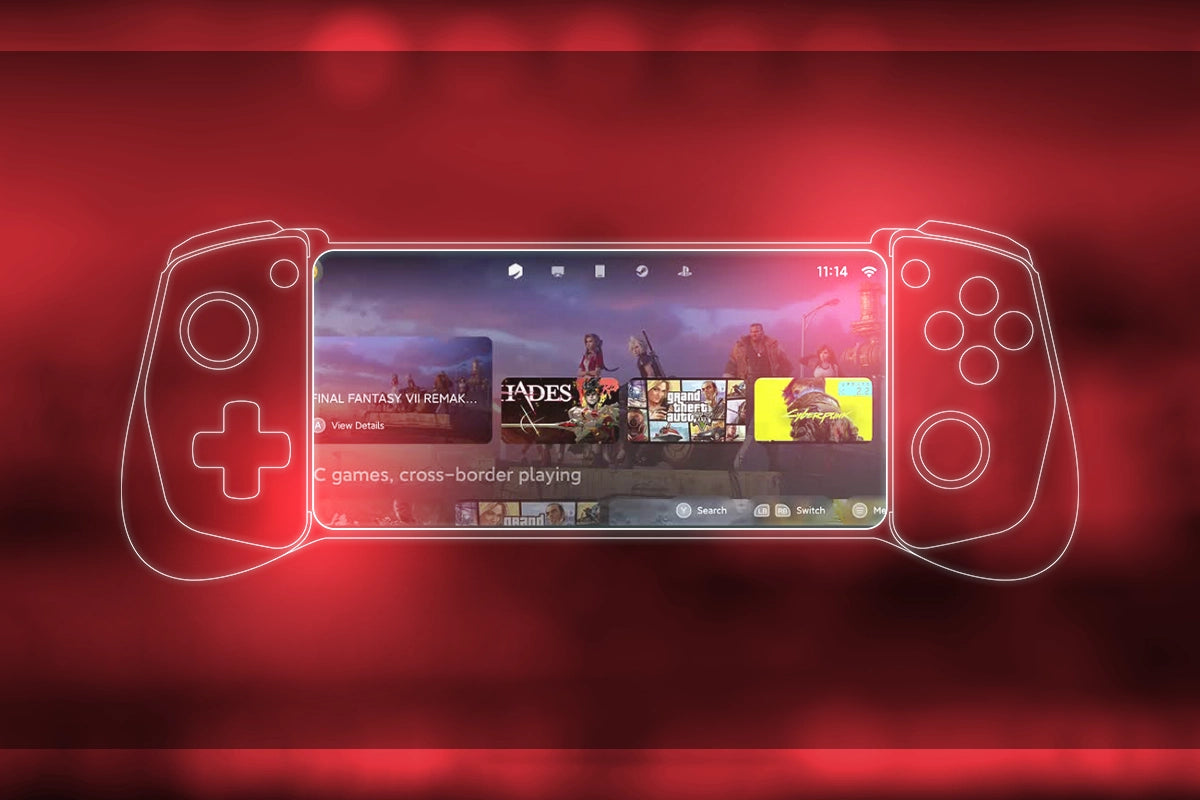
Play with Gamehub
GameSir App
Take full control of your GameSir controller. Customize buttons, adjust sensitivity, manage vibration, and create personal profiles — all from one app.


GameSir PC Software
Tailored for desktop users, GameSir PC software takes your gaming experience to the next level with precise customization — full control at your fingertips.
FAQs
Frequently Asked Questions
1. ⚠️ App Installation Failed?
Please make sure to enable app installations from unknown sources:
Settings > Security > Lock Screen and Security > Enable Unknown Sources.
2. 🚫 Mapping Activation Failed?
1. GameSir App from Google play doesn't support mapping activation.
2. Please click above "Download for Android" to download GameSir App for
mapping activation.
3. 📩 How Can I Contact You?
We're here to help! You can reach us by email, and we'll respond within 24 hours.
Email:Support@gamesir.sa
4. 🔋 Do I Need to Charge the Controller Before First Use?
Yes, it’s recommended to fully charge the controller before the first use to ensure optimal performance and stable connectivity.
5. 📱 Are GameSir Controllers Compatible with All Smartphones?
Most GameSir controllers support , including iPhone 15 and newer. Please verify the port type (e.g., USB-C or Lightning) before purchasing.
6. 🔄 Can I Update the Controller Firmware?
Yes, firmware updates are available through the to enhance performance and add support for new games.